card required · $6.99/mo or $59.99/yr after · cancel anytime
Your life repeats. Your system should too.
Run the work that keeps coming back.
✓✓✓
One routine. A better run every time.
OnlyCheckboxes keeps the plan, each attempt, and what you learned
connected from start to finish.
1Template
Save the steps once.
2Scheduled run
Get a fresh copy on time.
3Work completed
Check it off as it happens.
4Proof saved
Notes and attachments stay.
5Progress measured
See timing and missed steps.
Build the routine once.
Weekly reviews. Launches. Home resets. Money routines. Stop
rebuilding the same plan. Save the steps as a template and get a
clean run every time the work comes back.
Build onceReusable templates
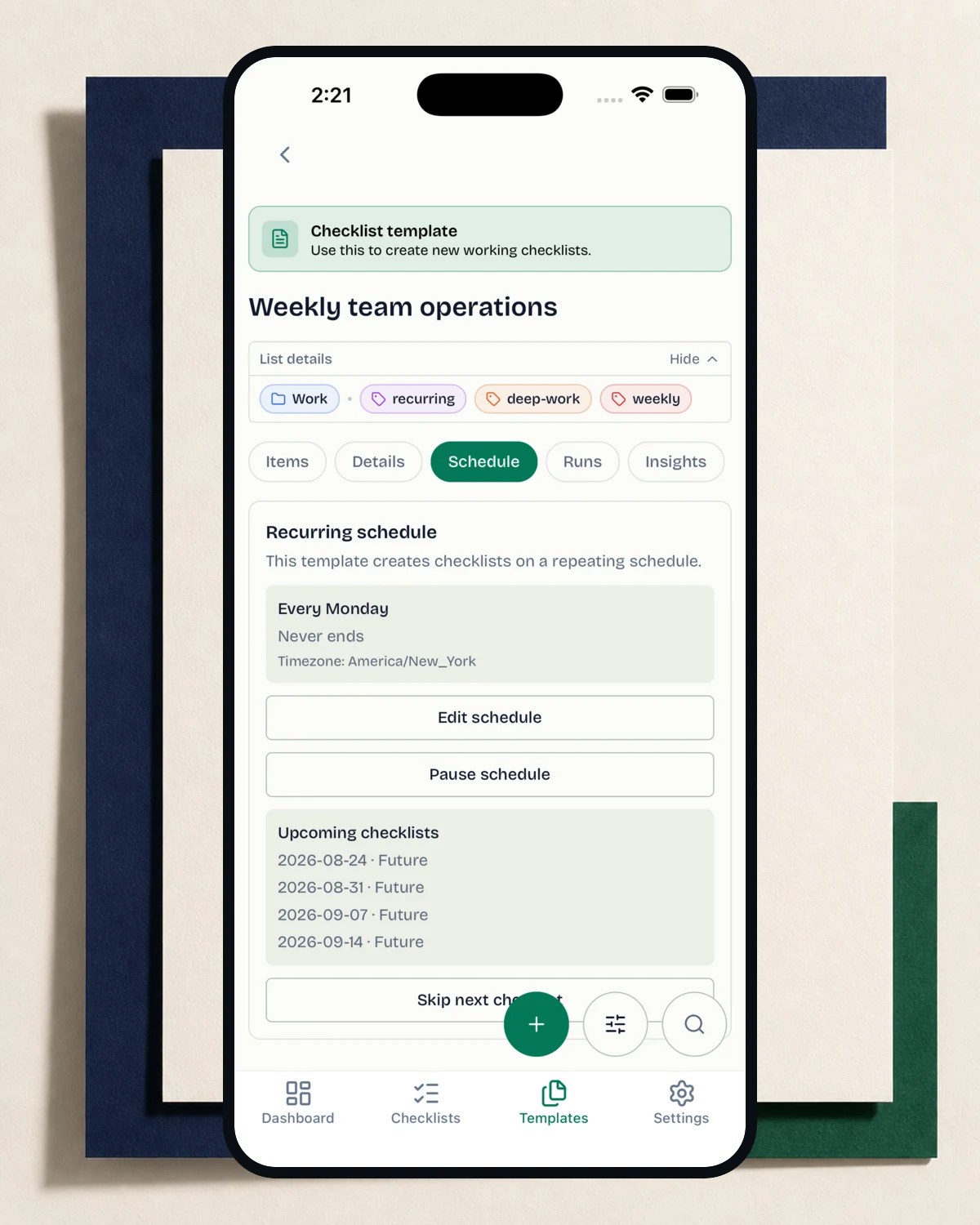
Run on timeRecurring schedules
Plan the workDate windows and placement
See where you follow through—and where you don’t.
Every run becomes part of the history. Find old work fast, track
whether the routine finished on time, and spot the steps that
keep getting missed.
Every attemptSeparate run history
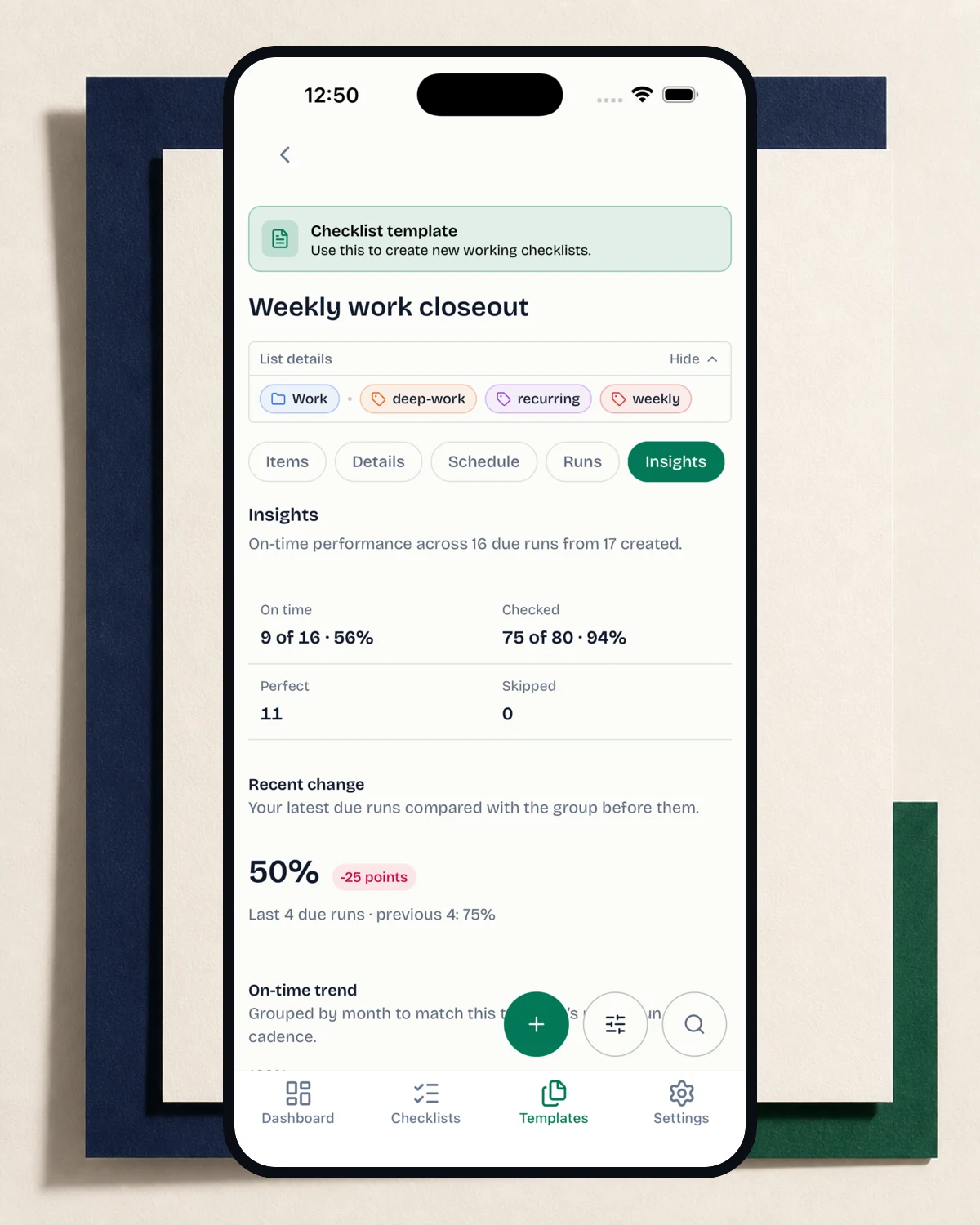
Follow-throughCompletion and on-time rates
Weak spotsMost-missed steps
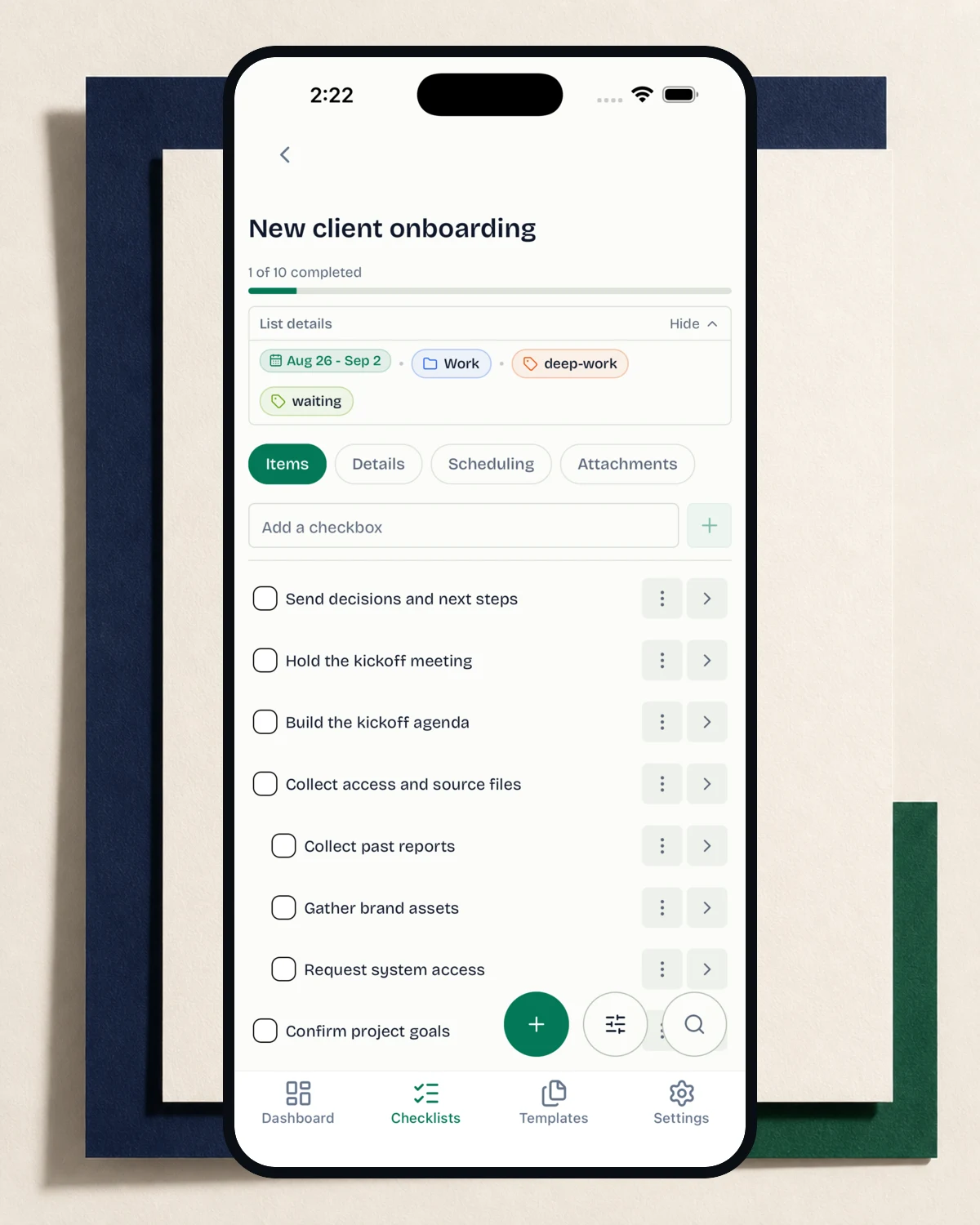
One checkbox when that is enough. More when it isn’t.
Keep simple work simple. When a step needs more, add categories,
tags, rich details, sub-checkboxes, schedules, and attachments.
The useful details before you start your first routine.
Why not use a regular task manager?
A task manager is useful for collecting one-off work.
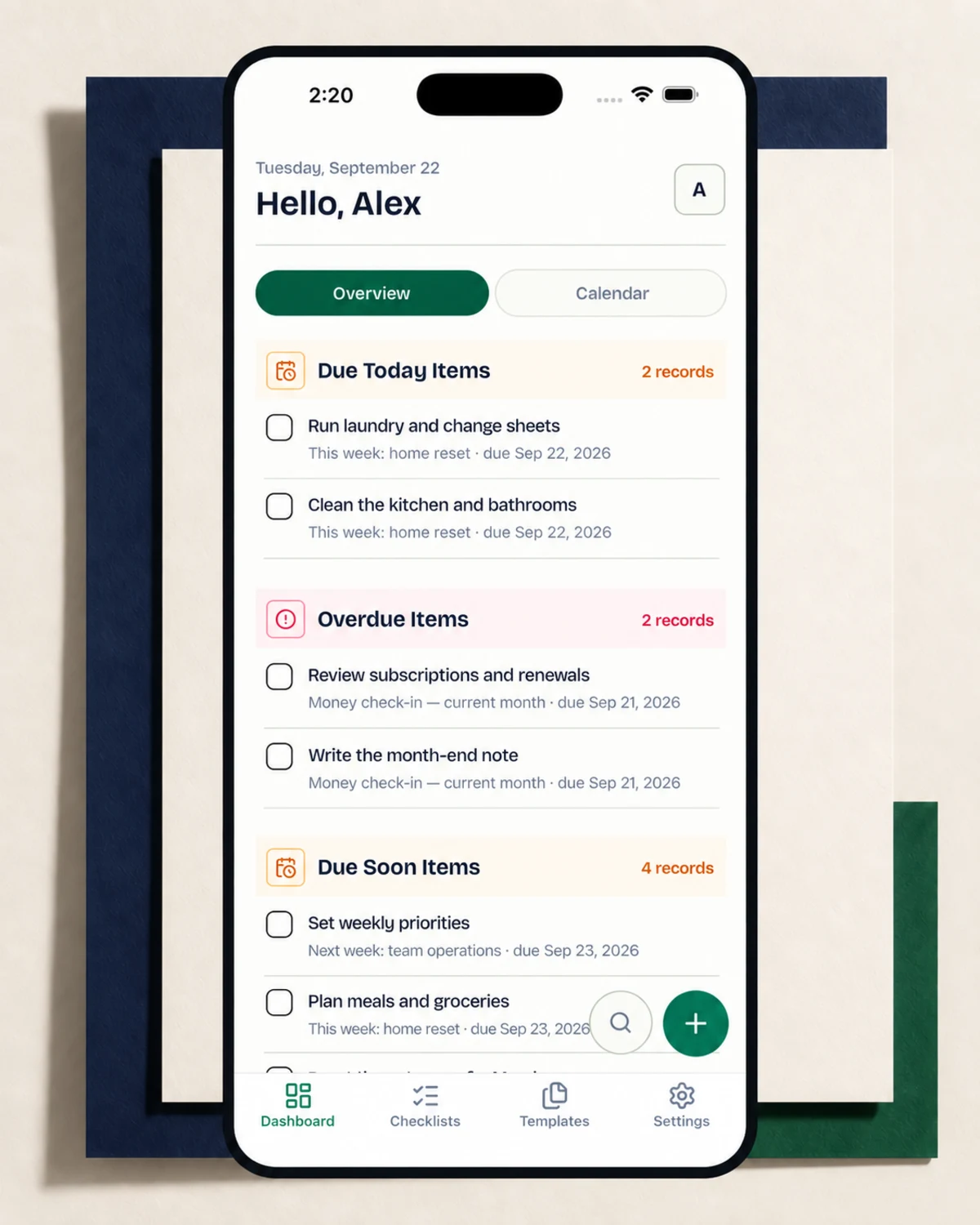
OnlyCheckboxes is built around repeatable checklists: templates
create separate runs, every run keeps its own record, and
insights show how the routine performs over time.
What context can I add to a step?
Add rich details, sub-checkboxes, tags, categories, schedules,
and attachments when a plain checkbox is not enough.
How do templates and schedules work?
Save any useful checklist as a template, then schedule it to
create a fresh copy when you need it. Each copy keeps the
structure and timing you set.
What can I track over time?
Template insights show completion, on-time rate, recent trends,
and the steps you miss most often.
Is there a free plan?
No. Eligible customers get a 30-day trial with everything
included. You can cancel before the trial ends.