
Todoist Reset Sub-Tasks: The Order, the Nested Steps, the Cap of 30
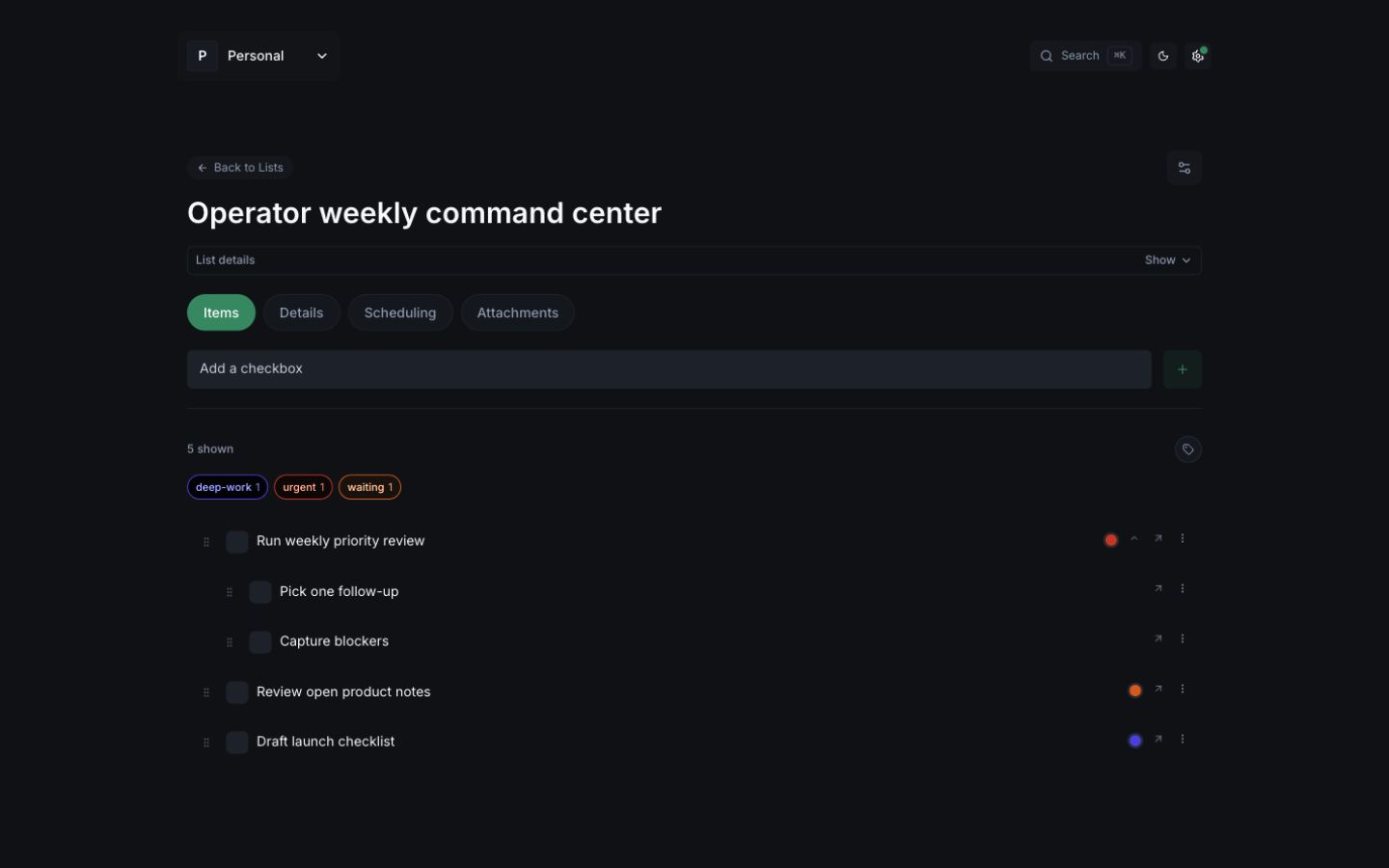
You didn't miss a setting. Todoist will tell you this itself.
Reset sub-tasks exists so a recurring parent — "Weekly review," "Month-end," "Open the shop" — can bring its child steps back the next time you complete it. Without that toggle, the date rolls forward and the sub-tasks don't come with it. With it on, you get the list back.
You do not get the procedure back.
What reset actually does
Todoist's own docs explain the feature.
When you complete a recurring parent and reset its sub-tasks, Todoist adds the same set of sub-tasks to the next occurrence. That's the feature. That's also the ceiling.
Three limits, in their words, not ours:
- Order is not preserved. Reset the list, drag it back into sequence. Every time. Complete a sub-task and uncomplete it: same shuffle.
- Nested steps are ignored. Sub-sub-tasks do not come back. You add them by hand to the parent, again.
- You can only reset up to 30 sub-tasks. A close, a launch, a shop-open with more than thirty steps is already past the product.
If you turned reset off, the parent date still moves. The children don't. You rebuild.
Then last week's run is gone
The instance you finished is not a record. It is a due date that got consumed. Notes, which box you skipped, the order you actually worked — they don't sit somewhere as "the week of the 18th." They sit in the current task, or they don't sit at all.
That's why people search todoist reset sub-tasks. They're looking for a procedure that survives Friday.
A recurring task isn't a recurring checklist.
Build the checklist once
- Template — the steps, nested steps, and context, saved once.
- Fresh run — a new dated copy when the work comes back. Not a reset of the same task.
- History — that run stays. You can see which boxes stayed empty.